
Public Video Links
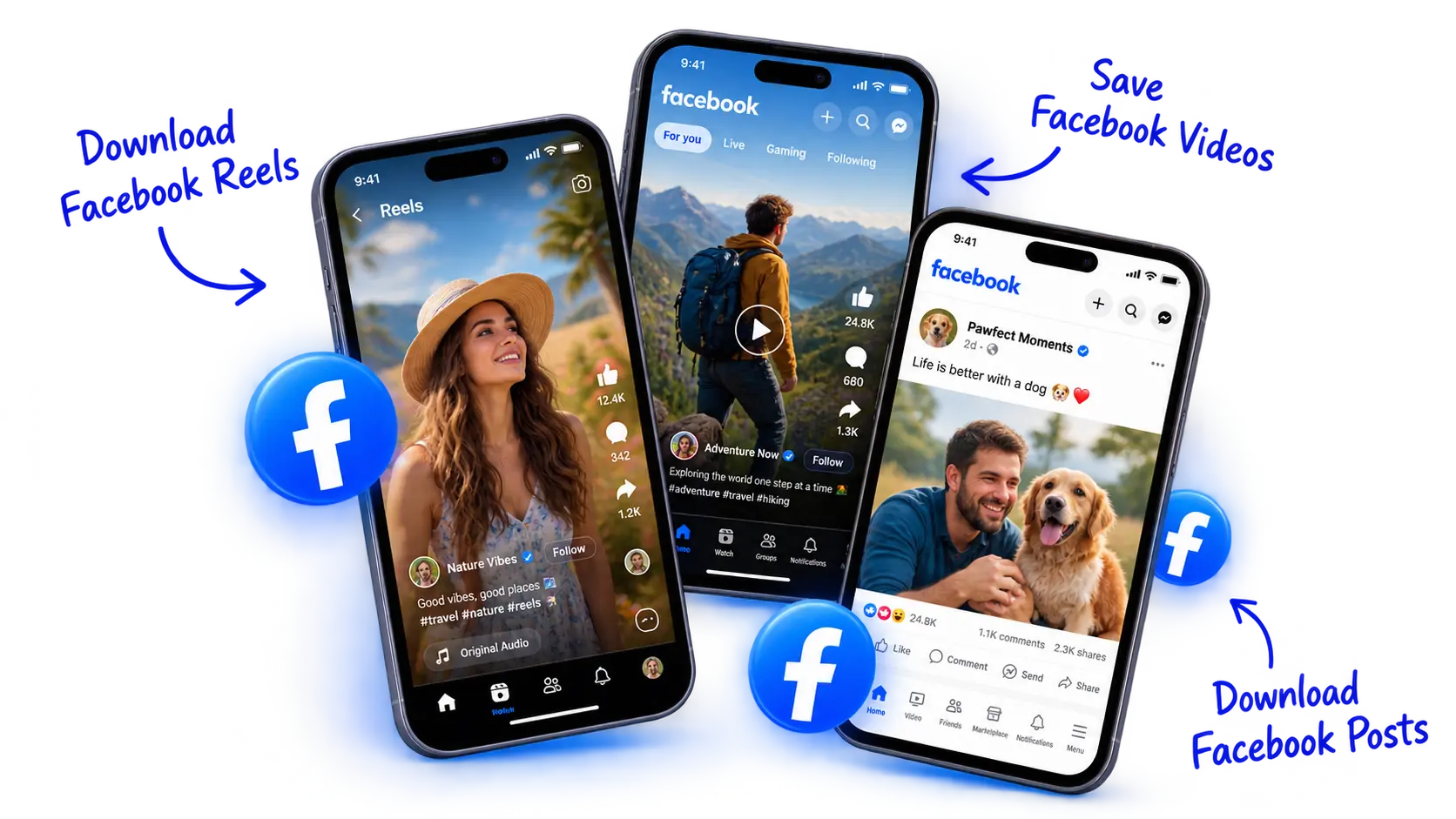
Save public Facebook Reels, Watch clips, Page posts, and shared videos.
Available HD & SD
Choose from the resolutions provided by Facebook, from standard to high definition.
No Account Required
Download directly in your web browser without signing in or installing software.
Direct MP4 Files
Save standard MP4 files directly to your device for smooth offline playback.
Supported Facebook Content
Save public Facebook videos, Reels, and clips to your device for offline viewing.
Facebook Reels
Download public short-form vertical videos shared on Facebook.
Page & Creator Videos
Save public video uploads from creators, public figures, and community pages.
Public Post Clips
Save public video clips embedded in standard timeline posts and shares.
Facebook Watch
Save public shows and featured original clips in their available stream quality.
How to Download Facebook Videos
Four simple steps to save public videos directly to your device.
Copy Link
Copy the link of the public Facebook video or Reel from your browser address bar or share menu.
Paste Link
Paste your link into the input field above to detect available download options.
Find Available Quality
Choose from the quality options provided by Facebook, such as HD or SD.
Download MP4
Click your preferred quality to save the MP4 video directly to your device.
Before you download
Helpful tips for saving videos reliably.
Available Quality Options
DownMigo offers the actual HD and SD streams delivered by Facebook. Lower-resolution uploads will only provide standard quality.
Download Links Expire
Facebook download links contain temporary security tokens. Save your file promptly after extracting or generate a fresh link if it stalls.
Audio & Muted Videos
Some clips are uploaded without sound or muted due to rights restrictions. The downloader indicates when a source file is video-only.
Personal Offline Viewing
Respect copyright and creator permissions. Download media solely for your own offline viewing and personal reference.
Frequently Asked Questions
Clear answers to common questions about saving Facebook media.
On a desktop browser, navigate to the Facebook video or Reel and copy the full URL directly from your browser address bar. You can also click the three dots or the Share button under the post and select Copy link.
In the Facebook mobile app, tap the Share icon at the bottom of the video and choose Copy link.